
DSC Portal
Private Consultancy Portal
Private Consultancy Portal
Apply Digital Signature Online is required for individuals or those running businesses, organisations, or firms with large staff who want to sign documents digitally. It lies under the law of the IT Act 2000, which makes a digital signature certificate a legally valid document across government portals for filing GST, Income Tax, MCA, ROC and Tenders
Here, we are trying to understand you and simplify the process of applying for a Digital Signature Certificate.
The step-by-step process is given below. By following these steps, you can apply for a Digital Signature Certificate (DSC) through our dscregistration portals with ease:
Step 1: First, you have to visit our official website of Digital Signature Certificate.
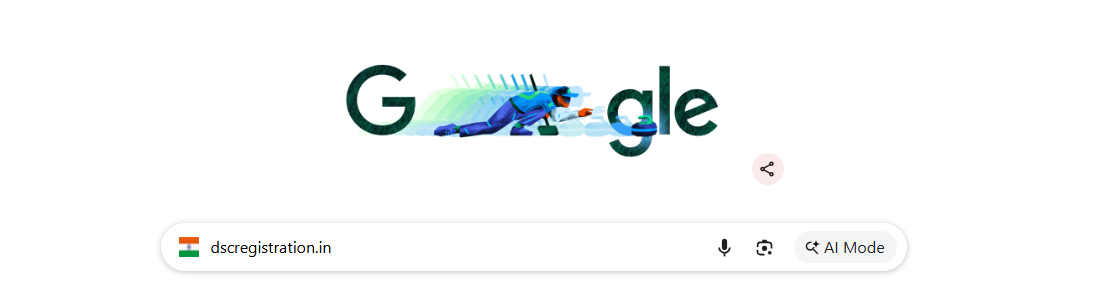
Step 2: Now Go to the Digital Signature Section. It is shown as you enter the website.
Step 3: You will find the Digital Signature Certificate application form.
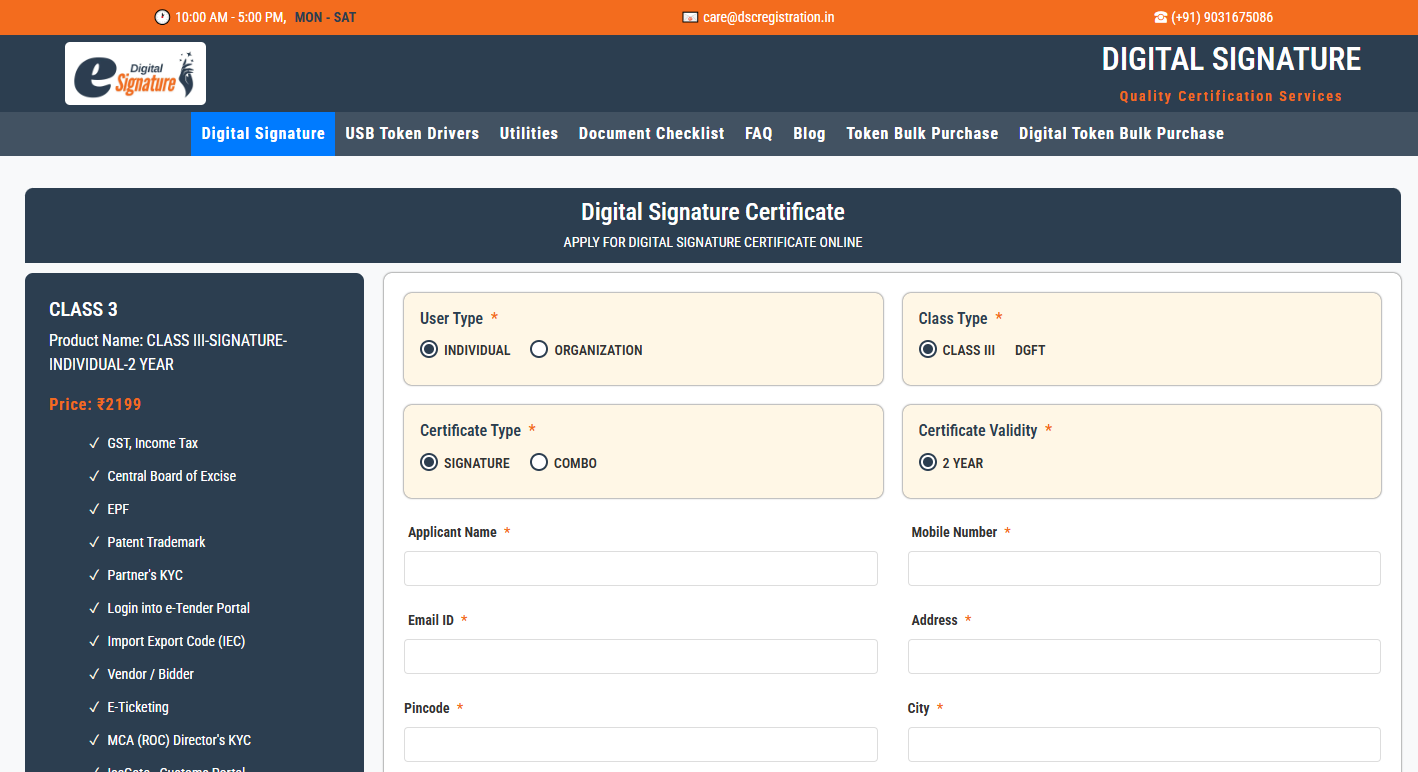
Step 4: Fill out the Details in the form attentively and give genuine information related to you or your organization on the basis of which certificate you want to apply.
Step 5: Fill out the verification code given in the form.
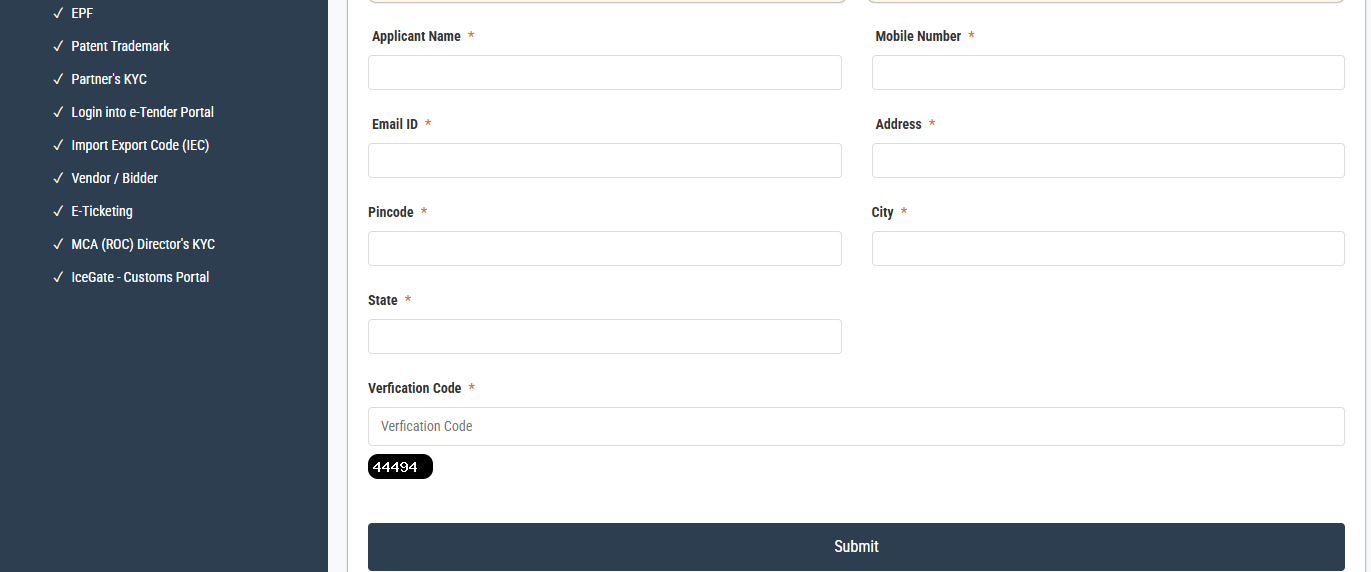
Step 6: Now Submit the Application Form after cross-verifying the details you have filled in the form.
Step 7: After submitting the form, the Payment Gateway will open. Please make the payment to avail the services.
Step 8: After making the payment, you will receive a call for OTP Verification, and after verifying the OTP, you will receive a confirmation email at your given Email ID.
By following these steps, you can apply for a Digital Signature Certificate with ease. This Certificate is used to sign documents electronically for identity verification and to authenticate an individual or an organisation. The signature document enables you to access across government portals. Without digitally signed documents, you can't access the government filing portals. In the process of digitally signing, no paperwork is required; it is a paperless process. It saves time and makes you eligible to get signatures on documents from anywhere.